TcpLogView is a new utility that monitors the opened TCP connections on your system, and adds a new log line every time that a TCP connection is opened or closed. For every log line, the following information is displayed: Even Time, Event Type (Open, Close, Listen), Local Address, Remote Address, Remote Host Name, Local Port, Remote Port, Process ID, Process Name, and the country information of the Remote IP (Requires to download IP to country file separately.)
Be aware that TcpLogView creates the TCP log by taking a snapshot of currently open TCP connections, and comparing it to the previous snapshot, so if a TCP connection is opened for a very short time, then TcpLogView will not be able to capture it.
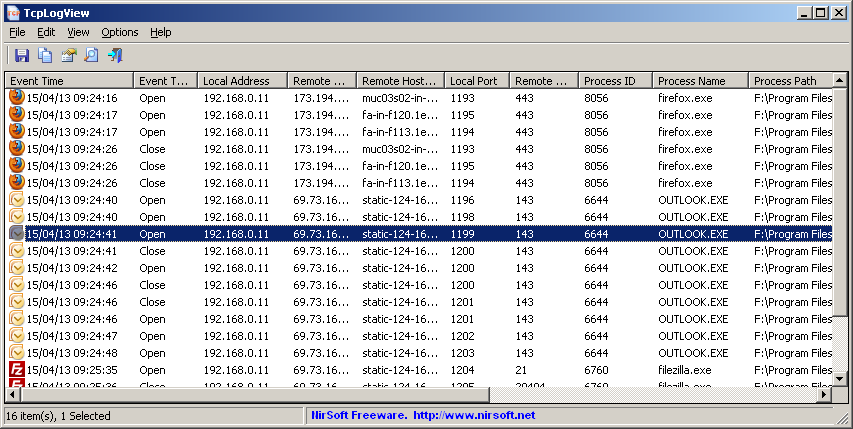
TcpLogView
You can download TcpLogView from this Web page.

Shiho says:
Hi, Nir.
Thanks you for many useful tools!
Could you please add a “quick filter”, like CacheView/HistoryView or other your apps have, so users can show/hide items with a delimited list.
Or per column filter to see only specific Process Name/Path and Address/Port.
Right now Im just export to Spreadsheet and filtering there.
Sent this as suggestion by email too.
July 21, 2026, 3:06 am